

A smarter way to report and resolve issues
See it. Scan it. Solve it.
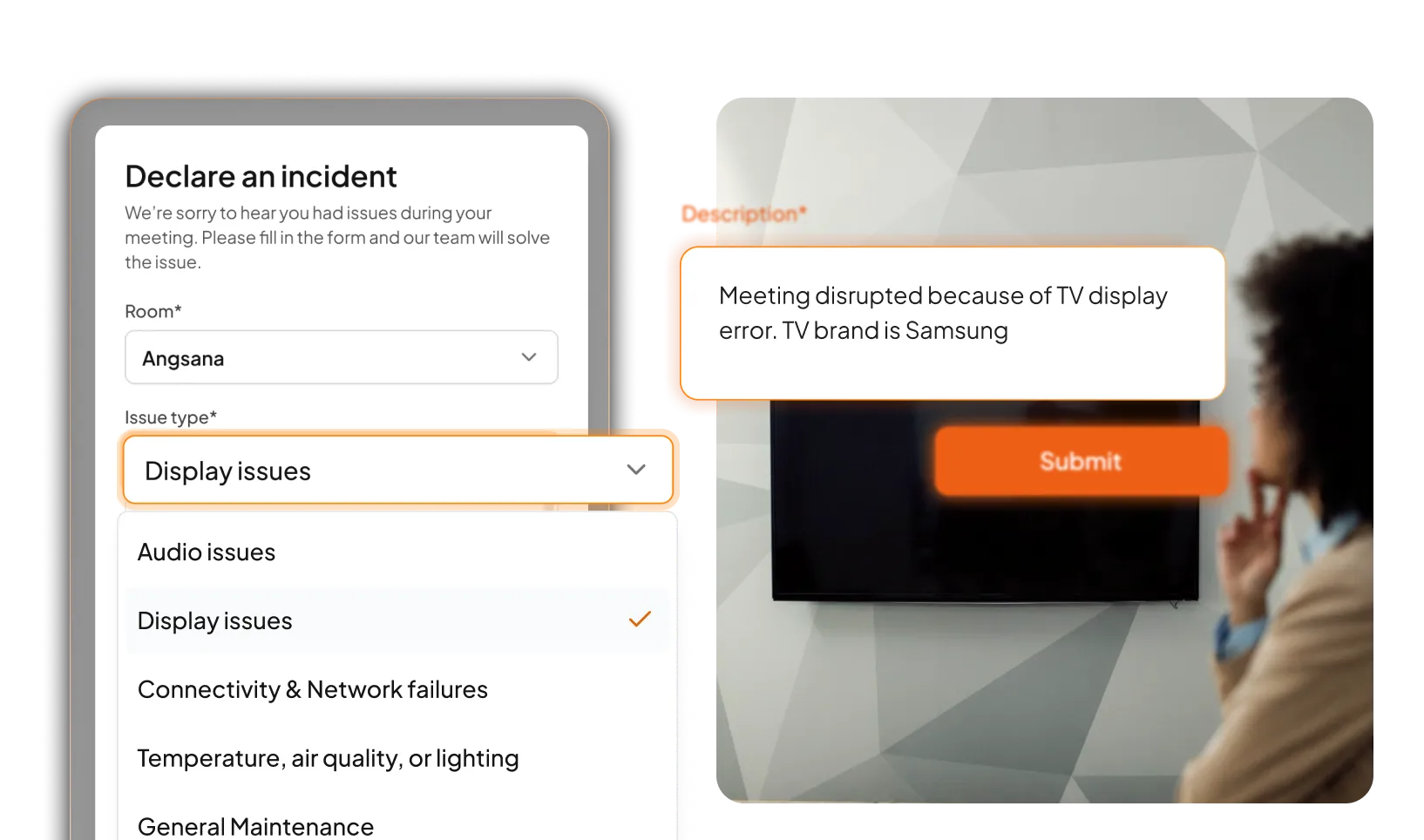

Incident reporting for your assets. Made easy.
Issues happen every day, from damaged equipment and maintenance requests to safety concerns and facility incidents. The challenge is making sure they are reported, assigned, tracked, and resolved before they become bigger problems.
+54%
Faster incident response rates
AthenaIAM Incident Reporting makes it possible for you to
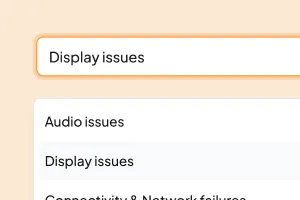
Report
Scan a QR code and submit an issue in seconds.
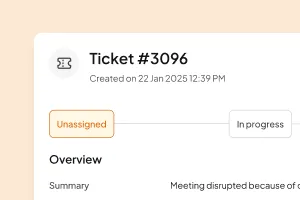
Track
Track ownership, updates, and ticket status.
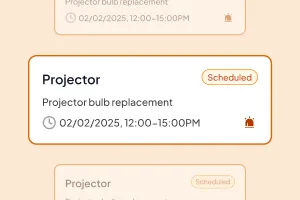
Close
Resolve the issue and document the resolution.
Simplify incident resolution
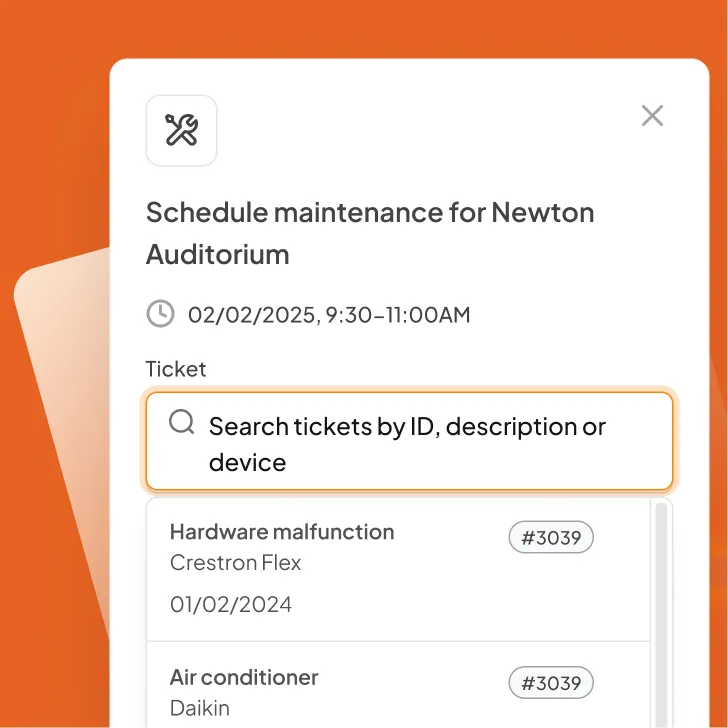
Smart ticketing system
Gain a clear view of reported issues, affected locations, priorities, and status updates from one centralised source of truth.
Know who is responsible
Keep ownership clear with visible issue details, status updates, and progress tracking, so nothing gets left unresolved.
Drive faster resolution
Make it easier to prioritise issues, share updates, and move incidents from report to resolution with less delay.
Your questions answered
Before you get started….
Who can submit an incident report?
Anyone authorised to access the reporting form can submit an incident report, including employees, contractors, tenants, visitors, and other approved users.
Do users need to download the AthenaSpace app to report an issue?
No. Incident reporting is accessed through a form, where users can scan a QR code, submit issue details, and track the reporting process.
Can QR codes be linked to specific assets or locations?
Yes. QR codes can be assigned to assets, equipment, rooms, facilities, or designated areas, providing valuable context whenever an issue is reported.
Is incident reporting available across multiple sites?
Yes. AthenaIAM can support incident reporting across multiple buildings, facilities, departments, and locations through a centralised platform.
So good, you’ll break things on purpose
Ready for better incident management?