

AthenaSignage + Crestron AirMedia®: Certified Digital Signage for Smarter Spaces
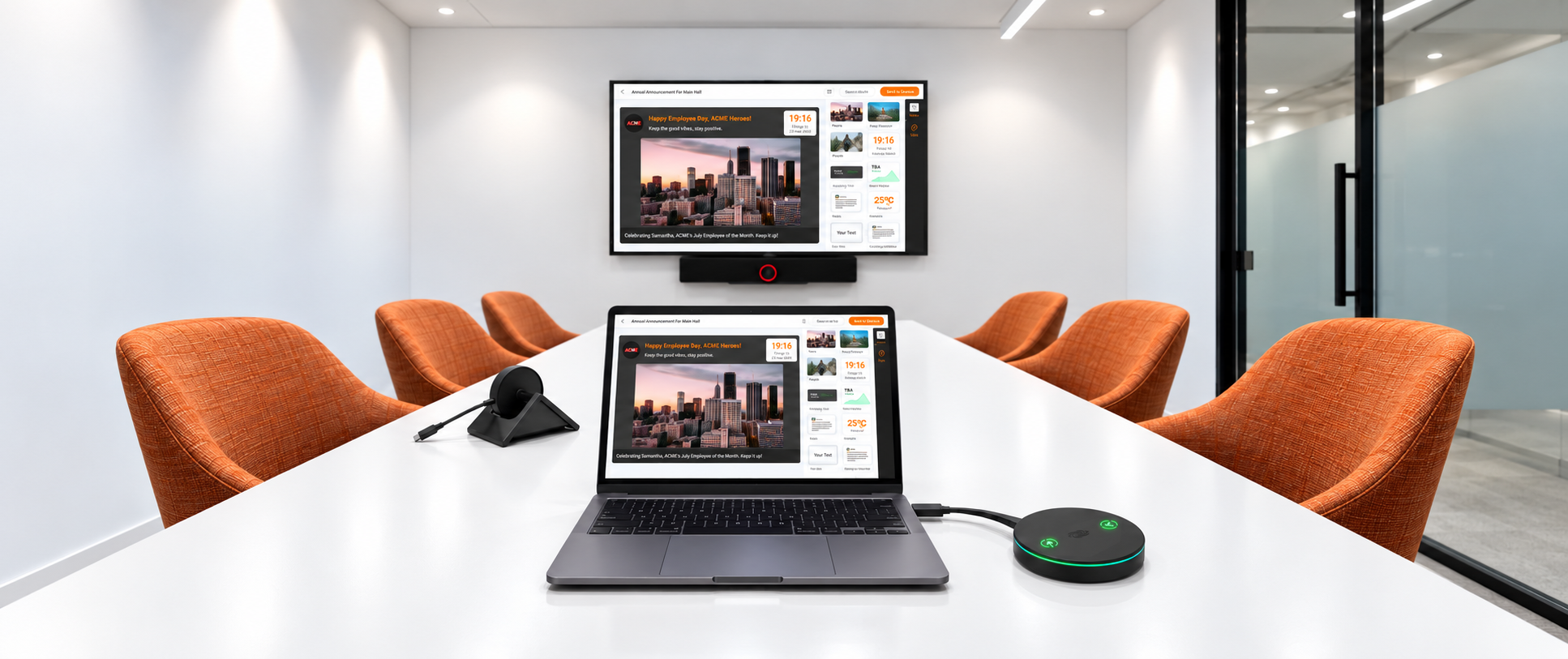
Quick answer: AthenaSignage has earned Crestron’s Works with AirMedia certification, confirming interoperability with Crestron AirMedia-enabled environments. AthenaSignage provides centrally managed digital signage for workplaces and other managed spaces, supporting content such as room information, schedules, wayfinding, visitor updates, and branded communications.
Meeting rooms need fast wireless sharing. Shared spaces also need live room status, schedules, and helpful updates on screen, not blank displays or old slide loops. Most offices end up running two separate systems that do not really work together. AthenaSignage and Crestron AirMedia® make that setup smarter. Together, they give teams one connected experience: seamless wireless presentation plus digital signage that reflects what is happening in the room in real time.
This guide breaks down how the integration works, where it fits in a modern office, and how to get started with a free 90-day trial if you want to see it live on your own displays.
What Is Crestron AirMedia?
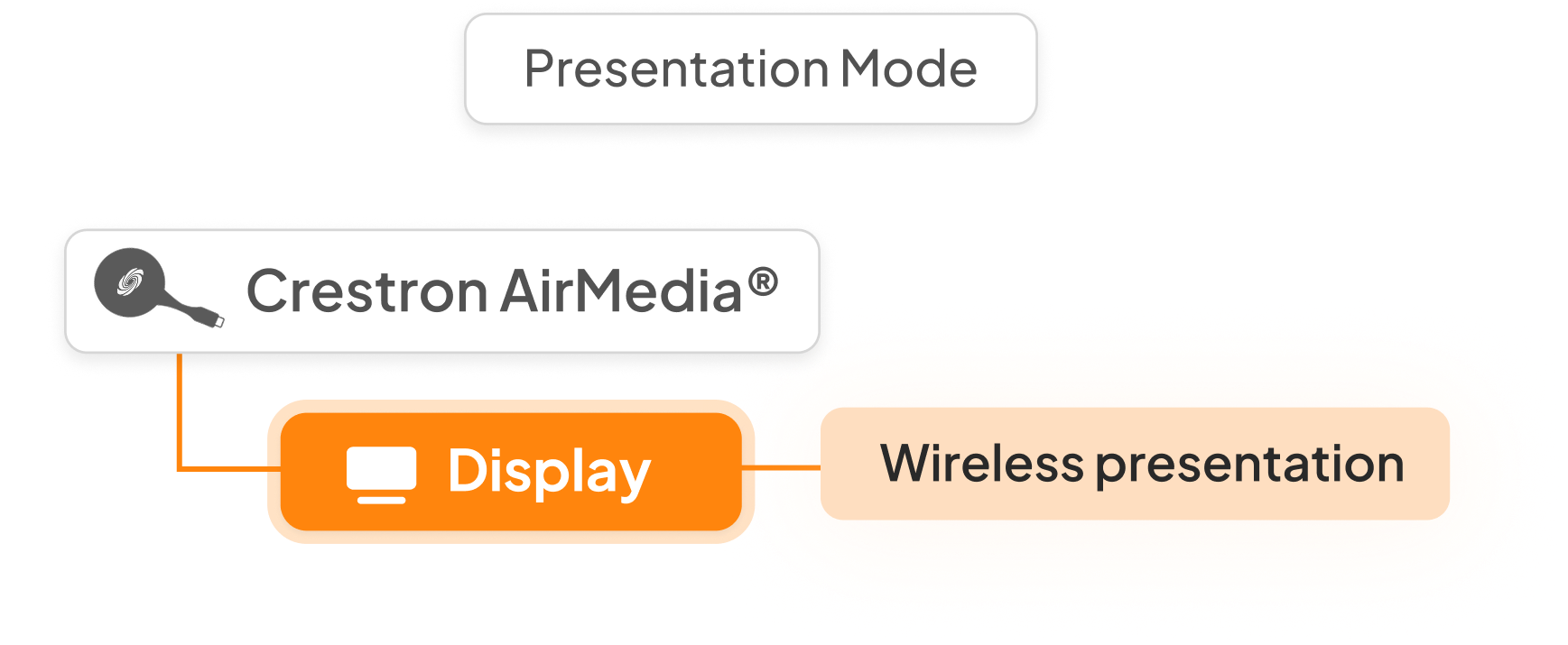
Crestron AirMedia is a wireless presentation system that lets people share content to a display without cables, adapters, or extra setup. Join the room, share your screen, and keep the meeting flowing. It is built for the way hybrid teams meet now, with people joining from laptops, phones, and tablets across different platforms.
What Is AthenaSignage?
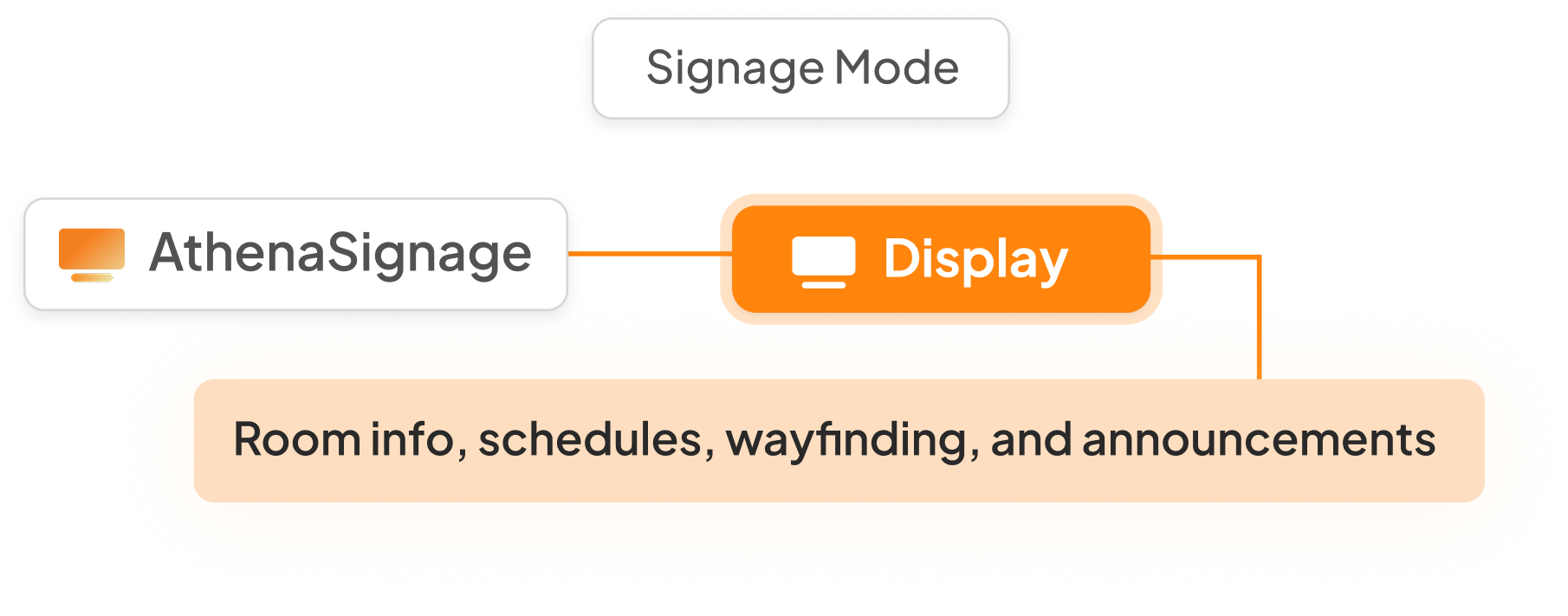
AthenaSignage is a digital signage software that turns any display into a centrally managed, always-on screen. From one dashboard, teams can show room availability, schedules, wayfinding, visitor updates, and branded content across every screen. Designed to work with the hardware offices already in use, including Crestron AirMedia displays.
What Does Works with AirMedia Certification Mean?
Crestron’s Works with AirMedia programme recognises third-party technology that has been evaluated for compatibility within the Crestron ecosystem. AthenaSignage has completed the certification process, supporting interoperability with Crestron AirMedia-enabled environments.
How Does AthenaSignage Work with Crestron AirMedia?
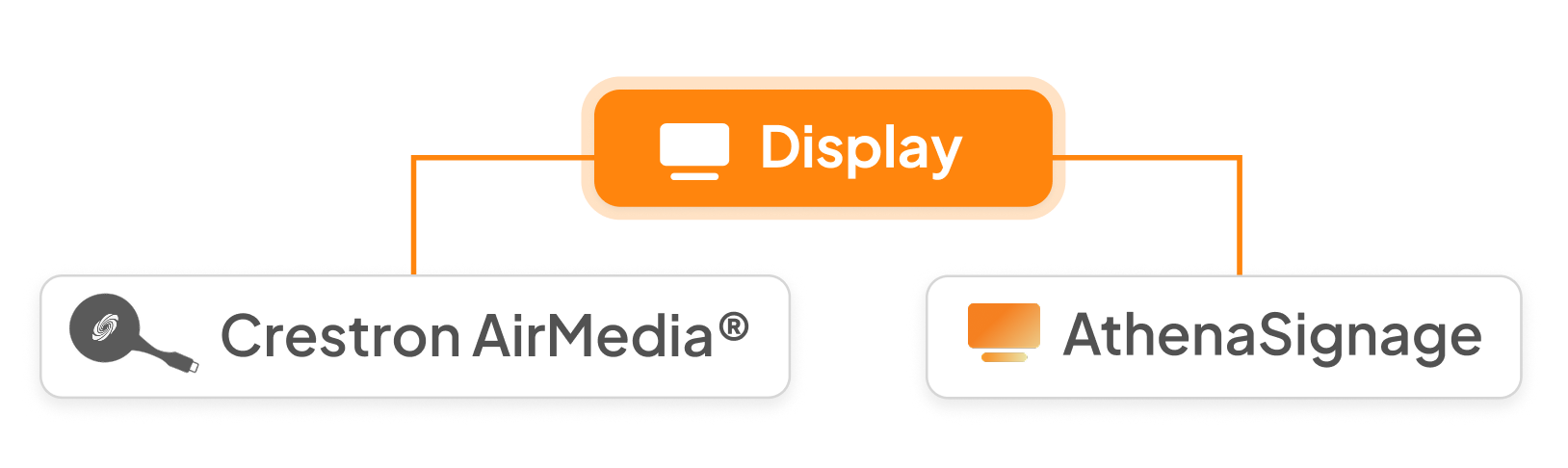
AirMedia handles wireless sharing. AthenaSignage adds the layer that keeps the screen useful before and after the meeting. The same display can show room status, schedules, wayfinding, and branded content whenever it is not being used for presentation. Instead of blank screens or outdated slide loops, every display becomes part of a smarter workplace experience.
Best Digital Signage Solutions for Modern Spaces
Managed spaces, from corporate offices, healthcare facilities, retail chains, to education campuses, are moving beyond static signs, printed room labels, and unmanaged TVs looping the same slide for months. The new standard is digital signage that updates in real time, connects with existing systems, and adapts to how each space is being used.
The best digital signage software for an office needs to do three things well:
- Update in real time. Room bookings, availability, and schedule changes should show up without manual input.
- Integrate with existing AV. No separate screen or system.
- Stay low maintenance. Content should be pushed centrally, rather than requiring someone to walk from room to room with a laptop.
AthenaSignage paired with Crestron AirMedia checks every box using hardware many businesses already have installed or are actively rolling out. Crestron is already familiar with regional AV teams, so this is not a rip-and-replace project. It is a smart layer on top of the infrastructure that is already in the room.
How Do You Set Up AthenaSignage with Crestron AirMedia?
The integration is built to be simple to deploy, simple to manage, and easy for teams to use day-to-day:
- Shared display infrastructure. AthenaSignage runs on the same screen AirMedia uses for wireless presentation. No separate hardware is needed.
- Automatic mode switching. The display shows AthenaSignage content (room status, schedule, wayfinding) by default, and switches seamlessly the moment someone connects via AirMedia to present.
- Centralised content management. Signage across every room and screen is managed from one dashboard, so updates roll out instantly across a whole floor or building.
- Meeting room and huddle space use cases. Small huddle rooms get quick “available/occupied” signage. Larger meeting spaces get full scheduling displays. Same setup, scales across room types.
Teams that need wayfinding can extend the same setup to directional signage, helping visitors and staff move between rooms and floors through the same AthenaSignage backend.
Why Pair AthenaSignage with Crestron AirMedia
The value of pairing AthenaSignage with Crestron AirMedia is simple: more function, less friction.
- One less system to manage. No standalone signage player or separate AirMedia unit. Both run through the same display and infrastructure.
- Unified sharing and display. One screen handles “present to the room” and “show the room's status,” no switching hardware needed.
- Less hardware sprawl. Fewer boxes, fewer cables, fewer points of failure per room.
- Built for how offices operate. Spaces aren't always in a meeting, and they shouldn't go dark or static in between.
For IT, facilities, and workplace teams managing rooms across a building or multiple offices, this pairing means fewer systems to maintain and a more consistent experience on every screen.
“Most screens in a workplace only earn their keep while they’re running a meeting,” said Tanish Dhillon, Executive Director, AthenaSpace. “This certification means we can flip that. The same AirMedia®-enabled display that’s powering your Teams call can carry your announcements and updates the moment that call ends. That’s what maximising a screen’s ROI actually looks like, and it’s exactly the kind of problem we built AthenaSignage to solve.”
Get AthenaSignage Free for 90 Days
If you're buying a new Crestron AirMedia , AthenaSignage is the next smart upgrade. Eligible units now include a complimentary 90-day trial, registered against the hardware serial number. No separate hardware, no heavy setup, and no commitment required to see it running in your rooms.
Not sure if it fits your setup yet? Talk to our team, and we will map out what AthenaSignage could look like in your space.
FAQs
Does AthenaSignage require separate hardware from Crestron AirMedia?
No. AthenaSignage runs on the same display AirMedia already uses. No extra screen or box needs to be installed.
Is AthenaSignage free to try?
Yes, for eligible new Crestron AirMedia purchases. The trial runs for 90 days, with no commitment and no card required to start.
Can AthenaSignage handle wayfinding, not just meeting room signage?
Yes. The same AthenaSignage backend extends to directional signage for guiding visitors and staff between rooms and floors.
What happens to the signage display when someone starts presenting?
The display switches automatically. AthenaSignage shows room status and schedule content by default, and hands off to Crestron AirMedia the moment someone connects to present.
Does this work across multiple offices or just one building?
Yes. Content is managed centrally from one dashboard, so updates roll out across every room and every office at once, not screen by screen.
See what your spaces are capable of.
Your building is already telling you what's wrong.
AthenaSpace gives you the intelligence layer to hear it — and act on it.